AI image extender: outpaint any photo to any size
Upload a photo — the AI studies its content, lighting and style, then generates brand-new pixels beyond the original edges to fill a larger canvas. Your original is never altered, cropped or stretched.
Drag the handle to compare before / after
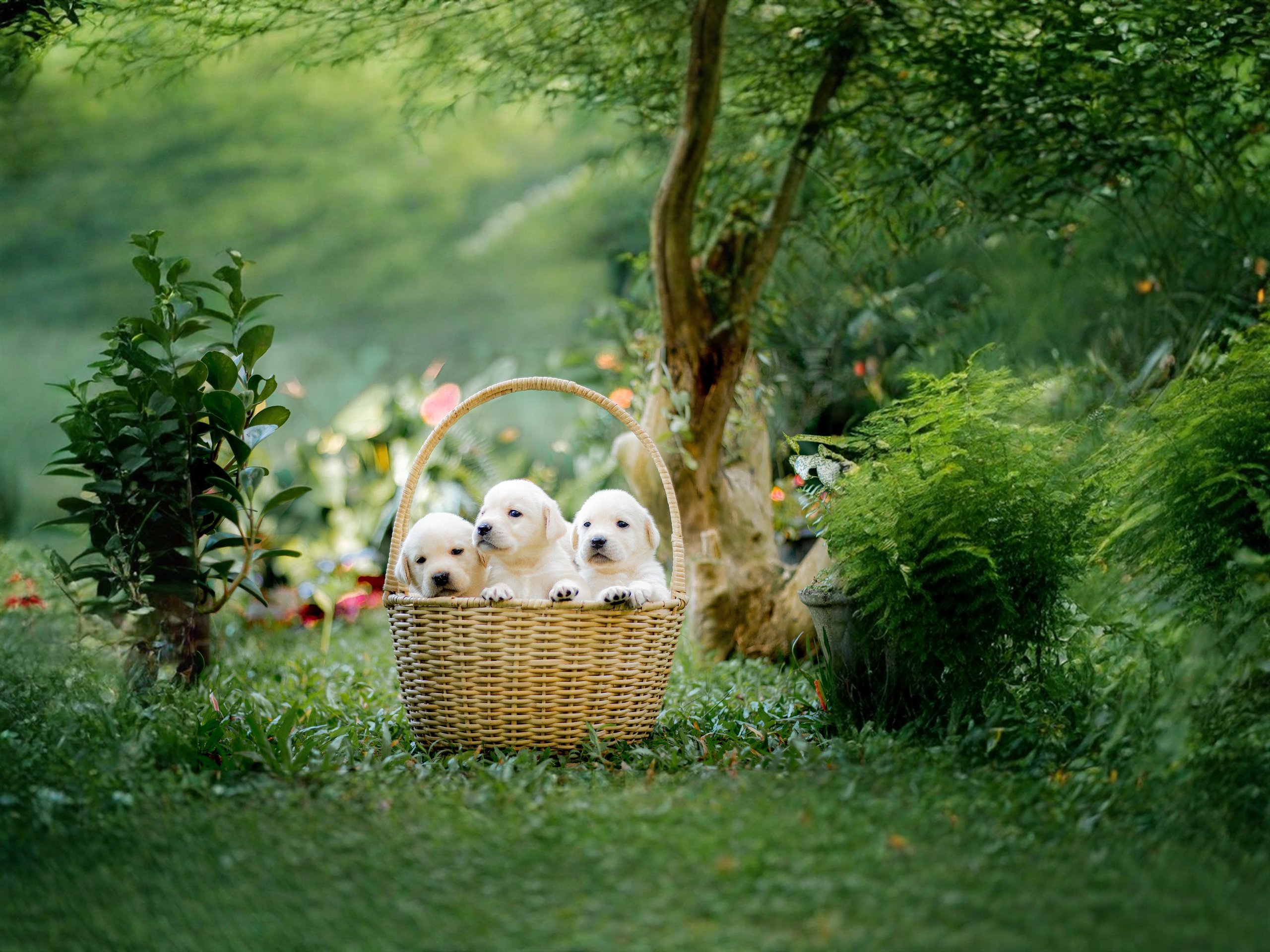
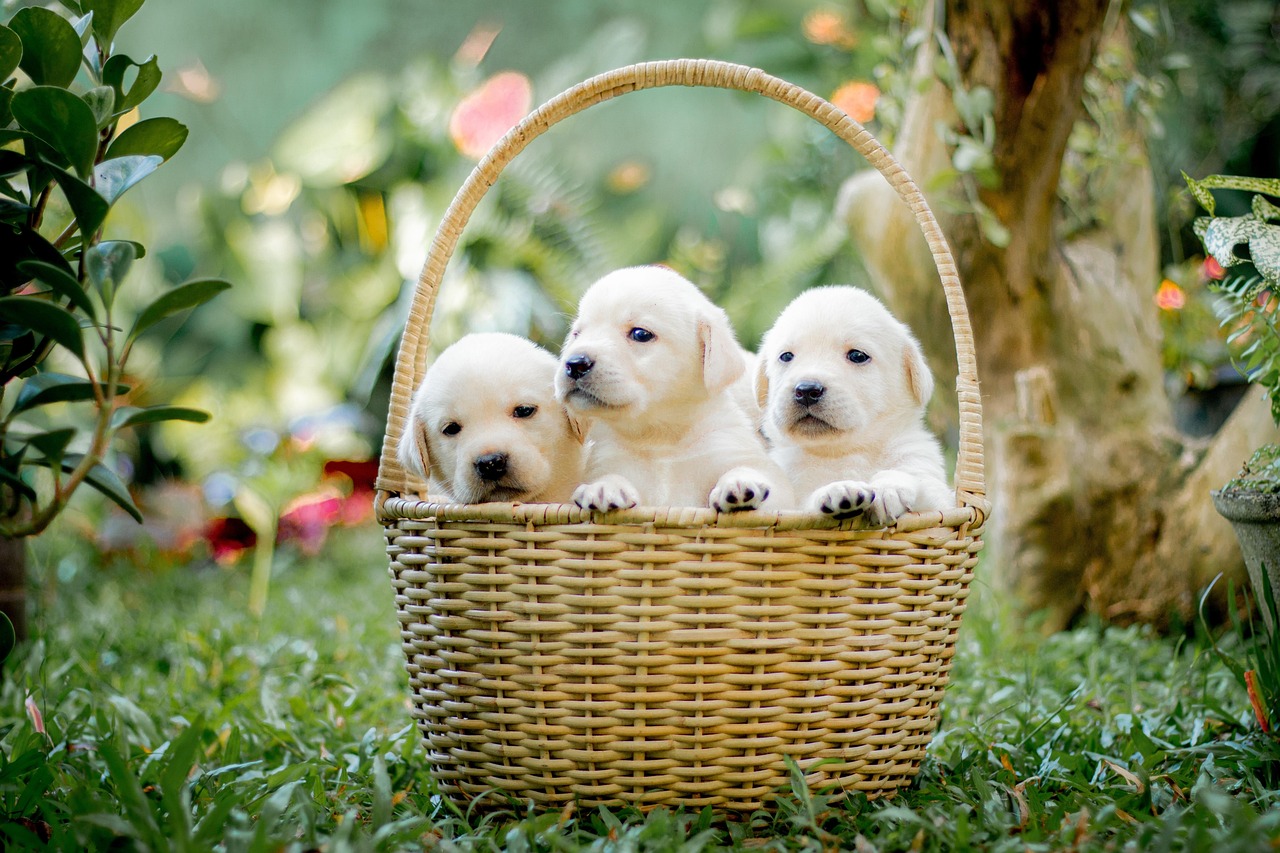 Before
After
1 credit per extension — start with 1 free trial credit.
How to extend a photo in 3 steps
- Upload your photo — JPG, PNG or WebP, any size.
- Pick a target size: a preset like YouTube 1920×1080, or anything custom up to 4096px. Optionally describe the scene ("sunny beach with palm trees") to guide the AI.
- Download the extended image — your original stays pixel-sharp, the AI only invents the new areas around it.
What Extend does
AI image extending — also called outpainting or uncropping — is the opposite of cropping. Instead of cutting pixels away, the AI studies your photo's content, lighting, colors and style, then generates brand-new pixels beyond the original edges to fill a larger canvas.
A classic example: you have a square product photo but need a 16:9 YouTube thumbnail. A basic editor would stretch it (distortion) or leave empty bars. An AI image extender paints the missing sides — continuing the background, the sunset, the room — so the result looks like the photo was always that wide.
Two tips for the best results: keep expansions modest (4:3 → 16:9 looks more natural than square → tall 9:16, which asks the AI to invent a lot of canvas), and use the description box — a few words about the scene dramatically improve coherence.
Frequently asked questions
What does the AI actually do?
It outpaints: the AI studies your photo's content, lighting and style, then generates new pixels around the edges to fill the larger canvas. Your original photo is never altered or cropped.
What sizes work best?
Modest expansions (e.g. 4:3 → 16:9) look the most natural. Extreme flips (square → tall 9:16) work but give the AI a lot of canvas to invent — results vary.
What if the AI fails to generate?
You keep your credit. Failed generations are refunded automatically — you only ever pay for images you actually receive.
How do credits work?
1 credit = 1 AI job — one Extend, Sharpen, Unblur or Remove. You start with 1 free trial credit. When you run out, buy more with PayPal or card — $5 → 50 credits, $10 → 100 credits, $15 → 150 credits. No account, no subscription.
More AI tools
Every tool works the same way — upload, run, download. 1 credit per AI job, free tools cost nothing.
Support the site
JSM Enhance stays free to try. If it helps your work, you can buy a coffee — it keeps the servers running.
☕ Buy me a coffee